AI Paper Animation Maker Online
Use Paper Animator when you want a clear path from image to paper animation without building a timeline from scratch. Upload a photo, choose the paper cutout or foldout direction, then export a file that is ready for social posts, ads, product pages, or quick design mockups.
What this paper animation maker is for
This page is the main starting point for the paper animator workflow. It covers the broad paper animation maker intent: turn an image into animated paper, keep the torn edges believable, and export the result in a practical format instead of getting stuck in a heavy editor.
3-Step Workflow
Step 1
Upload a clear image
Start with a JPG or PNG where the subject is easy to read. Clean edges help the paper cutout effect and background removal steps produce a stronger result.
Step 2
Choose the paper animation style
Use cutout styling for torn-paper depth, foldout motion for a reveal, or a softer animated paper look when the image needs gentle movement.
Step 3
Export for the channel
Download MP4 for video platforms, GIF for lightweight loops, transparent PNG for design work, or green screen output for later compositing.
Result Preview
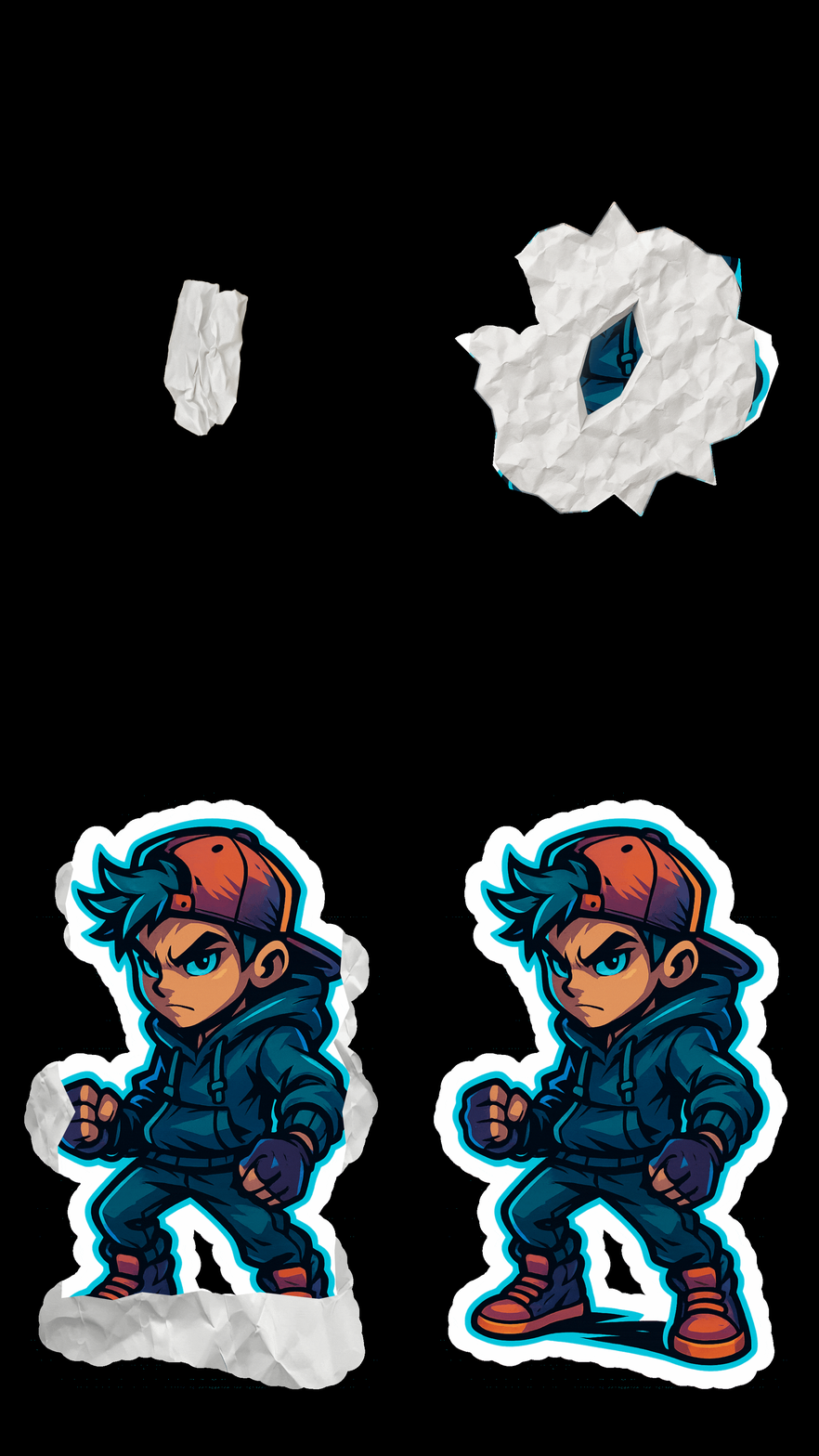
A compact preview of the paper animation maker workflow, useful for checking edge quality, foldout motion, and export style before publishing.
Practical tips before you generate
- Use a subject with enough contrast from the background. It gives the paper animator cleaner boundaries and reduces manual cleanup.
- Pick cutout motion when the image needs a bold paper cutout effect; pick foldout motion when the story depends on a reveal.
- Keep the first generation simple. Once the animated paper direction works, create MP4, GIF, PNG, or green screen versions from the same visual idea.
- For ads and reels, make the first second readable. A strong paper animation hook matters more than adding too many effects.
Why this page is the right entry point
- It connects the broad paper animator search intent to the actual creation flow.
- It explains the difference between cutout, foldout, transparent export, and green screen workflows.
- It keeps the page useful for creators who need a result, not a long software tutorial.
Best Use Cases
Export Options
- MP4 for TikTok, Reels, Shorts, ads, and landing page video sections.
- GIF for short loops, lightweight previews, and quick approvals.
- Transparent PNG or green screen output when the paper animation needs to fit another layout.
FAQ
What is a paper animation maker?
A paper animation maker turns a still image into animated paper with torn edges, paper texture, cutout depth, or foldout motion.
Is Paper Animator different from a normal video editor?
Yes. A video editor gives you a timeline. Paper Animator focuses on the specific paper animation workflow, so you can get a result faster.
Can I create a paper cutout effect and a foldout animation from the same photo?
Yes. Start from the same image and generate different versions depending on whether you need a cutout look or a foldout reveal.
What export format should I use?
Use MP4 for publishing, GIF for loops, transparent PNG for design assets, and green screen output for compositing in another editor.
Do I need animation experience?
No. The workflow is built for people who need paper animation from a photo without learning keyframes or masking first.
Related Guides
Start your paper animation now
Open the editor, upload one image, and test the paper animator workflow with a real export path.