Free Paper Animator Online
Use the free paper animator path when you want to test the result before committing to a larger workflow. It is useful for checking image quality, paper cutout effect strength, foldout motion, and export needs.
What the free workflow helps you test
The free workflow is not a placeholder demo. It is meant to help you validate whether your photo, product shot, or social concept can become useful paper animation before you scale up.
3-Step Workflow
Step 1
Start with a real image
Choose the kind of image you would actually publish, not a random test file. The result will tell you more.
Step 2
Generate a sample paper animation
Try the paper cutout effect, foldout animation, or animated paper style and check if the motion fits your use case.
Step 3
Decide what to export next
If the sample works, move to MP4, GIF, transparent PNG, or green screen output depending on your publishing channel.
Result Preview
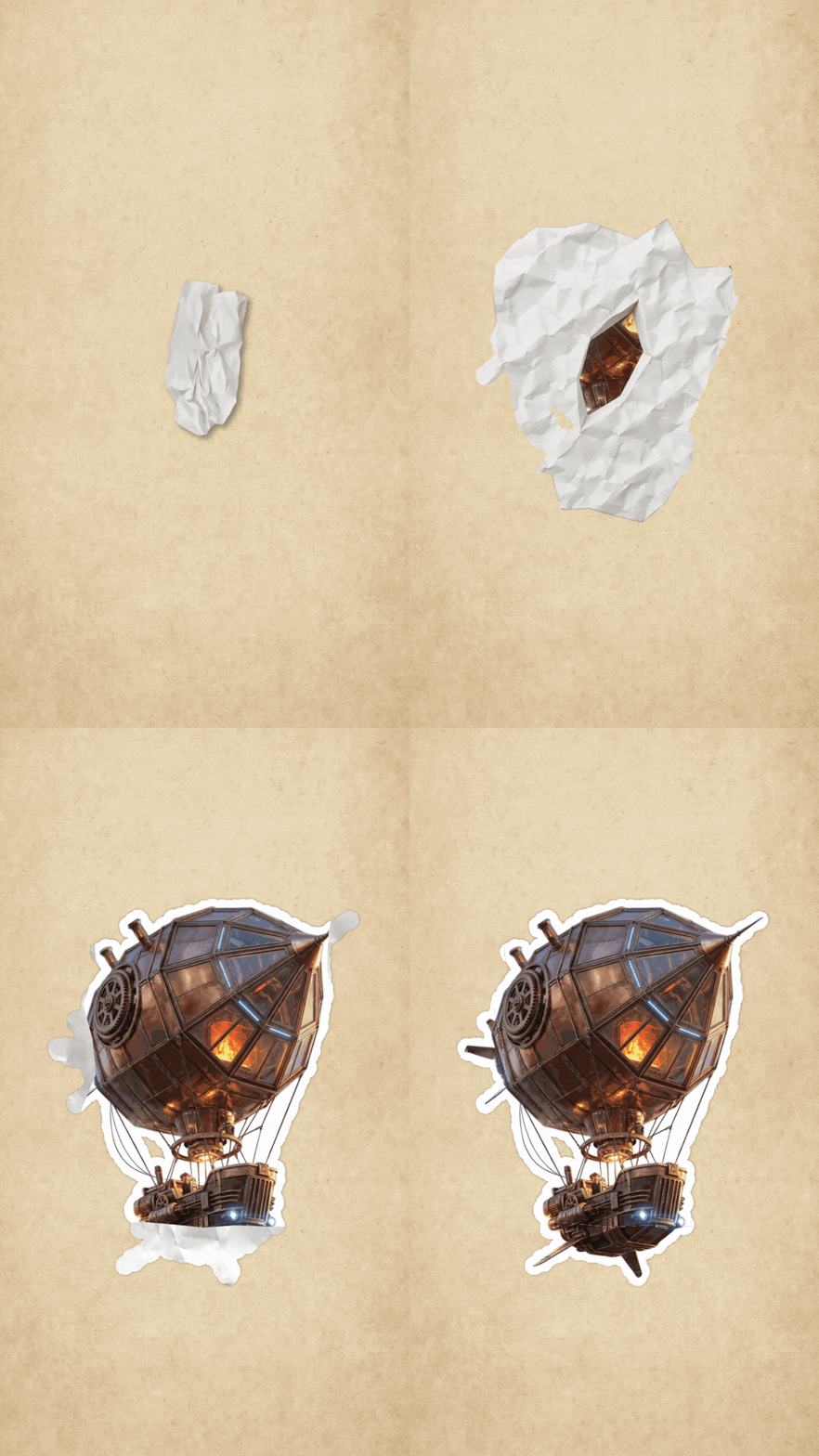
A sample-style preview for judging whether the free paper animator workflow fits your image before scaling.
How to get value from the free test
- Test one image that represents your real project. A good sample is more useful than several random uploads.
- Use free generation to compare cutout and foldout directions before picking a final look.
- Check whether background removal is needed before you spend time building a full campaign asset.
- If the first result works, save the same style choices for future paper animation exports.
Why this page matches free-intent searches
- It explains what a free paper animator can realistically help you evaluate.
- It keeps the trial focused on real output quality instead of generic feature claims.
- It gives a clear path from free test to production exports.
Best Use Cases
Export Options
- Starter output for judging edge quality and motion direction.
- GIF or MP4 paths when you need a motion preview.
- Upgrade-ready workflows for repeated transparent PNG or green screen exports.
FAQ
Is there a free paper animator online?
Yes. You can start with a free workflow to test paper animation from a real image.
What should I test first?
Start with one image that represents your real use case, such as a product photo, portrait, or social creative.
Can I test paper cutout effect for free?
Yes. Use the free workflow to check whether the paper cutout effect works with your image edges and background.
Can free output be used for a client preview?
It can be useful for direction and review. For final high-volume work, choose the export option that matches your delivery needs.
When should I upgrade?
Upgrade when you need more generations, repeated exports, higher throughput, or more production-ready versions.
Related Guides
Try the paper animator workflow free
Start with a real image and see whether paper animation is the right treatment.