Turn a Photo into Paper Animation Online
If your starting point is one photo, this workflow keeps the process direct: upload the image, use background removal where needed, choose a paper animation style, and export the result for social, ads, or design work.
What this photo workflow does
Photo-to-paper animation is for portraits, product shots, pet images, logos, and lifestyle photos that need more motion than a static graphic but less setup than a full video edit.
3-Step Workflow
Step 1
Choose a photo with a clear subject
Images with clean contrast work best. If the background is busy, use background removal first to make the animated paper edge easier to read.
Step 2
Generate the paper motion
Apply paper cutout styling, foldout animation, or a softer animated paper effect depending on the story you want the photo to tell.
Step 3
Export for your next step
Download a video for publishing, a GIF for preview, or transparent assets when the paper animation needs to sit inside another design.
Result Preview
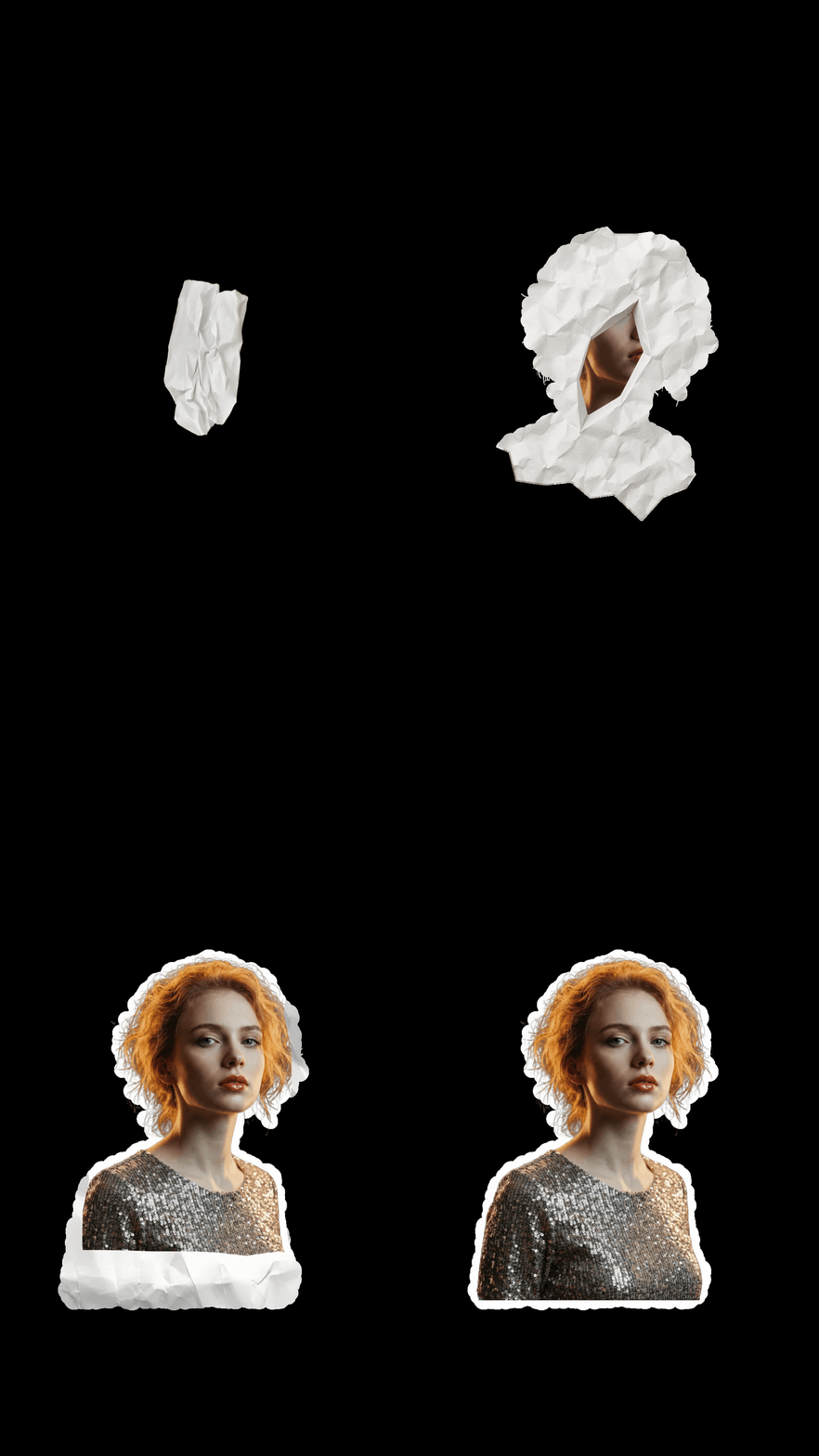
A photo-to-paper animation preview showing how a single image can become a reusable motion asset.
Photo preparation tips
- Use the highest resolution version you have. Better source detail gives the paper cutout effect more believable edges.
- Crop around the subject before upload if the scene has distracting background areas.
- For portraits and products, background removal usually improves the final paper animation more than adding extra effects.
- If you plan to place the result into another edit, generate a transparent PNG or green screen version while the visual direction is fresh.
Why this page is ideal for photo workflows
- It answers the common question: can one photo become paper animation?
- It connects photo upload, background removal, cutout styling, and export choices in one flow.
- It works for quick creator posts as well as product and campaign visuals.
Best Use Cases
Export Options
- MP4 when the final output needs to publish as video.
- GIF for short loops, previews, and lightweight embeds.
- Transparent PNG or green screen when the photo animation needs compositing.
FAQ
Can I make paper animation from just one photo?
Yes. A single image is enough for the paper animation from photo workflow.
Should I remove the background first?
If the background is complex, background removal usually creates a cleaner paper cutout effect and makes the subject easier to place.
What photos work best?
Portraits, product shots, pets, objects, and logos work well when the subject is sharp and not hidden by clutter.
Can I create animated paper from a product photo?
Yes. Product photos are a strong use case because the paper animation can be reused in ads, launch posts, and landing pages.
Can I export transparent output?
Yes. Use transparent PNG for static design work or green screen output when you need video compositing.
Related Guides
Convert your first photo in minutes
Upload a photo and test whether paper animation fits your content, product, or campaign.