Create Paper Cutout Effect Online
A good paper cutout effect should look like the subject was lifted from a sheet, not pasted onto a template. This workflow focuses on edge shape, shadow depth, background removal, and export formats that make the cutout reusable.
What the paper cutout effect means here
The paper cutout effect combines a separated subject, torn or hand-cut edges, paper texture, and subtle depth. It can stay static as a transparent PNG or become paper animation when you add motion.
3-Step Workflow
Step 1
Upload a subject image
Use a portrait, object, product, or pet image with a clear subject. Background removal helps when the scene is busy.
Step 2
Build the cutout look
Apply torn paper edges, paper texture, and shadow depth so the cutout feels physical rather than flat.
Step 3
Export static or animated
Use transparent PNG for design layouts, or generate animated paper output when you need motion for reels, ads, or intros.
Result Preview
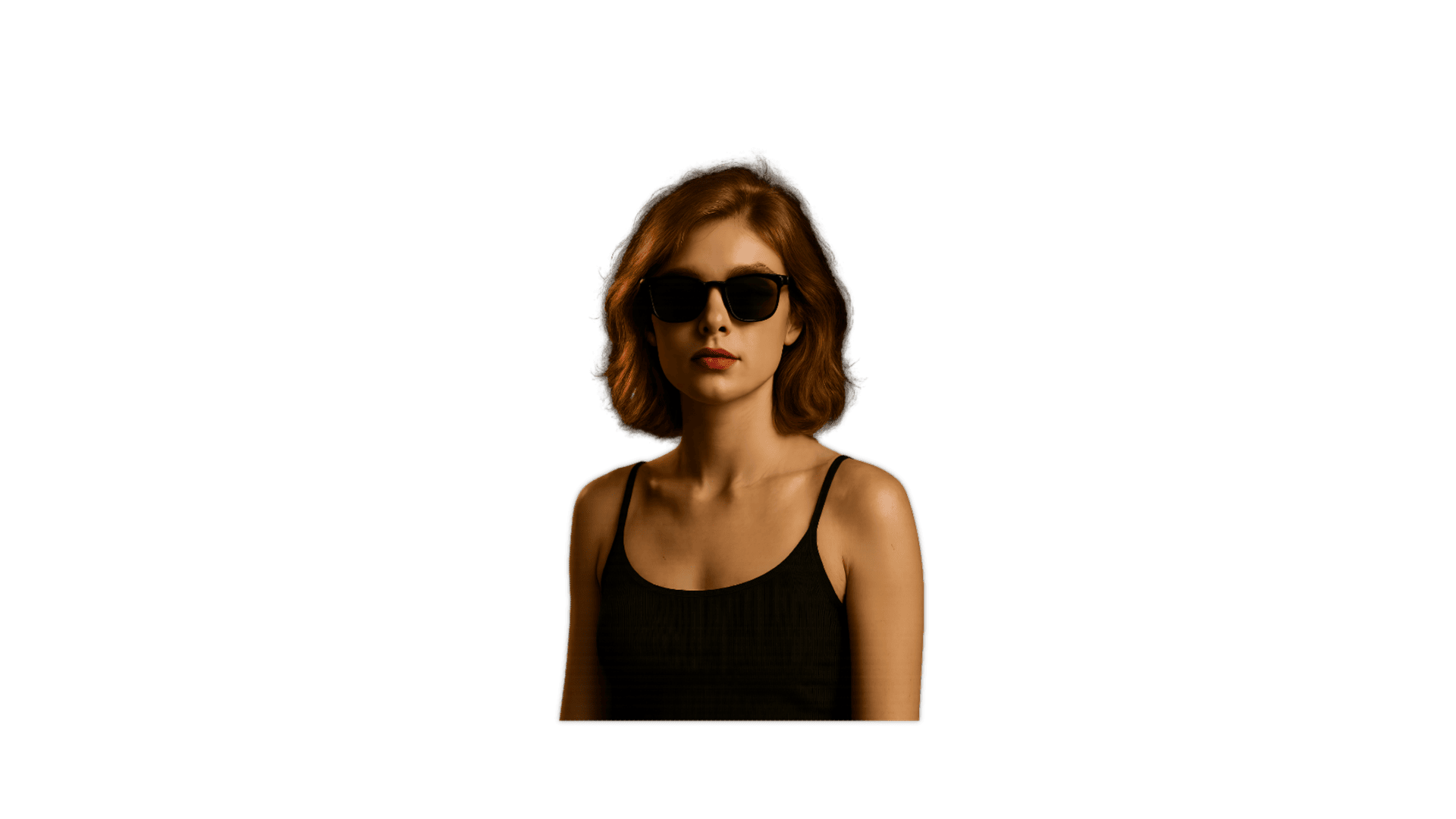

A paper cutout effect preview focused on readable torn edges, subject separation, and reusable export quality.
Cutout quality tips
- Choose images where the main subject is not cropped too tightly; the edge needs room to look like paper.
- Use background removal before cutout styling if the subject blends into the scene.
- Keep shadows subtle. Too much shadow makes the cutout look like a sticker instead of paper.
- For thumbnails or ads, export a transparent PNG first, then create a motion version if the layout needs animation.
Why this page is best for cutout intent
- It focuses on the exact paper cutout effect search need instead of broad paper animation language.
- It connects background removal, torn edges, shadow depth, and export choice.
- It works for both static design assets and animated paper versions.
Best Use Cases
Export Options
- Transparent PNG for thumbnails, design tools, landing pages, and overlays.
- MP4 when the paper cutout effect needs motion.
- GIF for lightweight previews and quick approvals.
FAQ
What is a paper cutout effect?
It is a visual style where the subject looks cut from paper, with torn edges, texture, and shadow depth.
Can I create a paper cutout effect from a photo?
Yes. Upload a photo with a clear subject, use background removal if needed, then apply the cutout styling.
Is paper cutout effect the same as paper foldout animation?
No. Cutout focuses on the edge and layered paper look. Foldout focuses on the motion of paper opening or revealing.
Can I export a transparent paper cutout?
Yes. Transparent PNG export is useful when you want to place the cutout in another design.
Can the cutout be animated?
Yes. You can use the same visual direction as animated paper for GIF or MP4 output.
Related Guides
Create your paper cutout effect
Upload an image and turn it into a torn-paper cutout that can stay static or become animated.