透明纸张剪纸 PNG 制作器
当你需要把纸张风格放进其他设计里时,transparent paper cutout PNG 会更合适。这个工作流重点是背景移除、撕纸边缘和干净的透明 PNG 导出。
透明 PNG 工作流做什么
这个流程把主体变成可复用的透明纸张剪纸素材,可用于缩略图、落地页、社媒图和视频叠加层。如果之后需要动效,同一素材也可以继续生成 animated paper。
3 步工作流
步骤 1
Upload a subject image
Choose a product, person, logo, or object that needs a cutout look.
步骤 2
Remove background and style edges
Use background removal, torn paper edges, and shadow depth so the cutout looks deliberate.
步骤 3
Export transparent PNG
Download the asset for design tools, thumbnails, landing pages, or as a companion to a paper animation video.
步骤 4
上传主体图片
选择产品、人像、Logo 或物体图片。
步骤 5
移除背景并处理边缘
用背景移除、撕纸边缘和轻微阴影做出有意图的剪纸效果。
步骤 6
导出透明 PNG
下载后可用于设计工具、缩略图、落地页,或作为纸张动画视频的配套素材。
效果预览

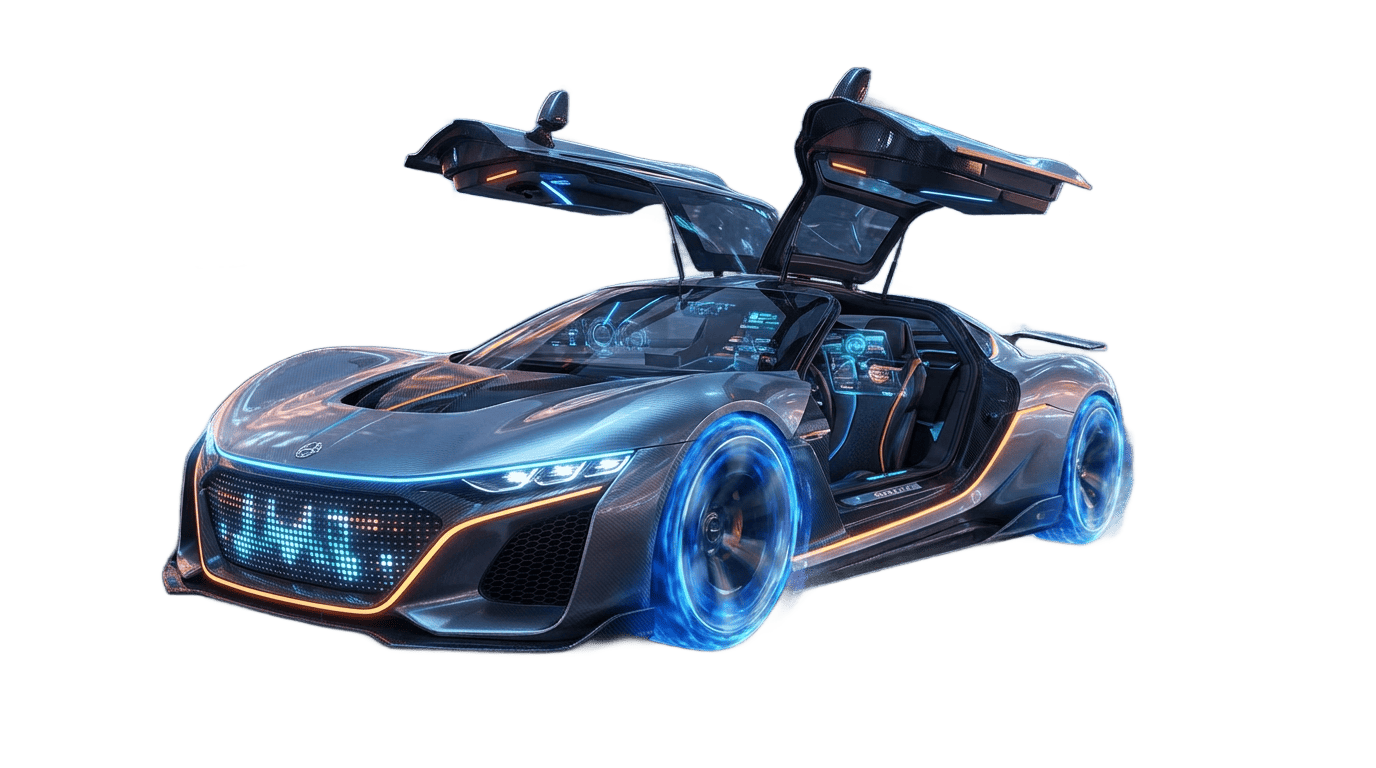
透明纸张剪纸 PNG 预览,适合设计排版、缩略图和视频叠加层。
透明 PNG 建议
- Use background removal first when the subject edge is hard to separate.
- Keep the torn-paper shadow visible but not too dark, especially for thumbnails.
- Export transparent PNG when the asset needs to sit on many backgrounds.
- Create an animated paper version from the same source if the static cutout works well.
- 主体边缘不好分离时,先做 background removal。
- 缩略图里阴影不要太暗,否则主体会显脏。
- 需要放到不同背景上时,优先导出 transparent PNG。
- 静态剪纸效果可用后,再考虑从同一图片生成 animated paper。
为什么适合透明 PNG 需求
- It focuses on reusable cutout assets rather than full video output.
- It connects background removal, paper cutout effect, and transparent PNG export.
- It gives designers a clean asset that can be used outside the paper animator page.
- 它专注可复用设计素材,而不是完整视频。
- 它把背景移除、paper cutout effect 和 transparent PNG export 放在一起。
- 它让设计师能在其他工具中继续使用素材。
适用场景
导出选项
- Transparent PNG for design and compositing.
- GIF or MP4 when the same cutout also needs motion.
- Green screen when a video editor needs chroma key instead of transparency.
- 透明 PNG 适合设计和合成。
- GIF 或 MP4 适合同一 cutout 的动效版本。
- 绿幕适合视频编辑器中的 chroma key。
常见问题
Can I export a transparent paper cutout PNG?
Yes. Use background removal and paper cutout styling, then export a transparent PNG.
What images work best for transparent cutouts?
Images with clear subject edges, good contrast, and enough resolution usually produce cleaner results.
Can I use the PNG in Canva, Figma, or Photoshop?
Yes. Transparent PNG assets can be placed in common design and video tools.
Is transparent PNG the same as green screen?
No. Transparent PNG is best for static assets. Green screen is usually used for moving video clips.
Can I animate the transparent cutout later?
Yes. If the paper cutout looks good, you can use the same source image for GIF or MP4 paper animation.
可以导出透明纸张剪纸 PNG 吗?
可以。先做背景移除和 paper cutout effect,再导出透明 PNG。
什么图片最适合做透明 cutout?
主体边缘清楚、对比明显、分辨率足够的图片更容易得到干净结果。
可以在 Canva、Figma 或 Photoshop 使用吗?
可以。透明 PNG 可以直接放进常见设计和视频工具。
透明 PNG 和绿幕一样吗?
不一样。透明 PNG 适合静态素材,绿幕更常用于动态视频。
之后还能把透明 cutout 做成动画吗?
可以。如果静态剪纸效果可用,可以用同一图片继续导出 GIF 或 MP4 纸张动画。
相关指南
生成透明纸张剪纸素材
制作带撕纸边缘的透明 PNG,并保留后续动画导出的可能。